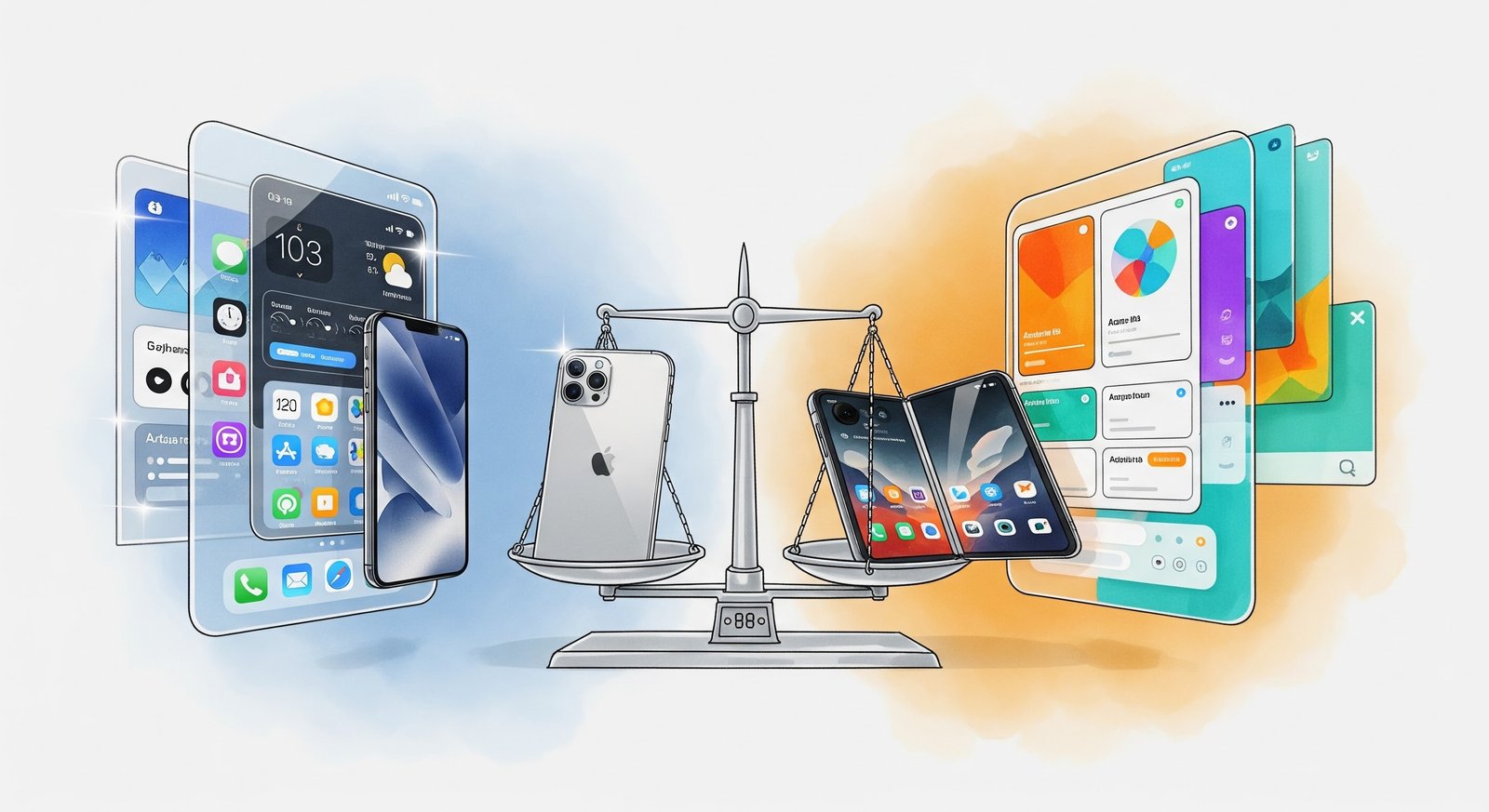
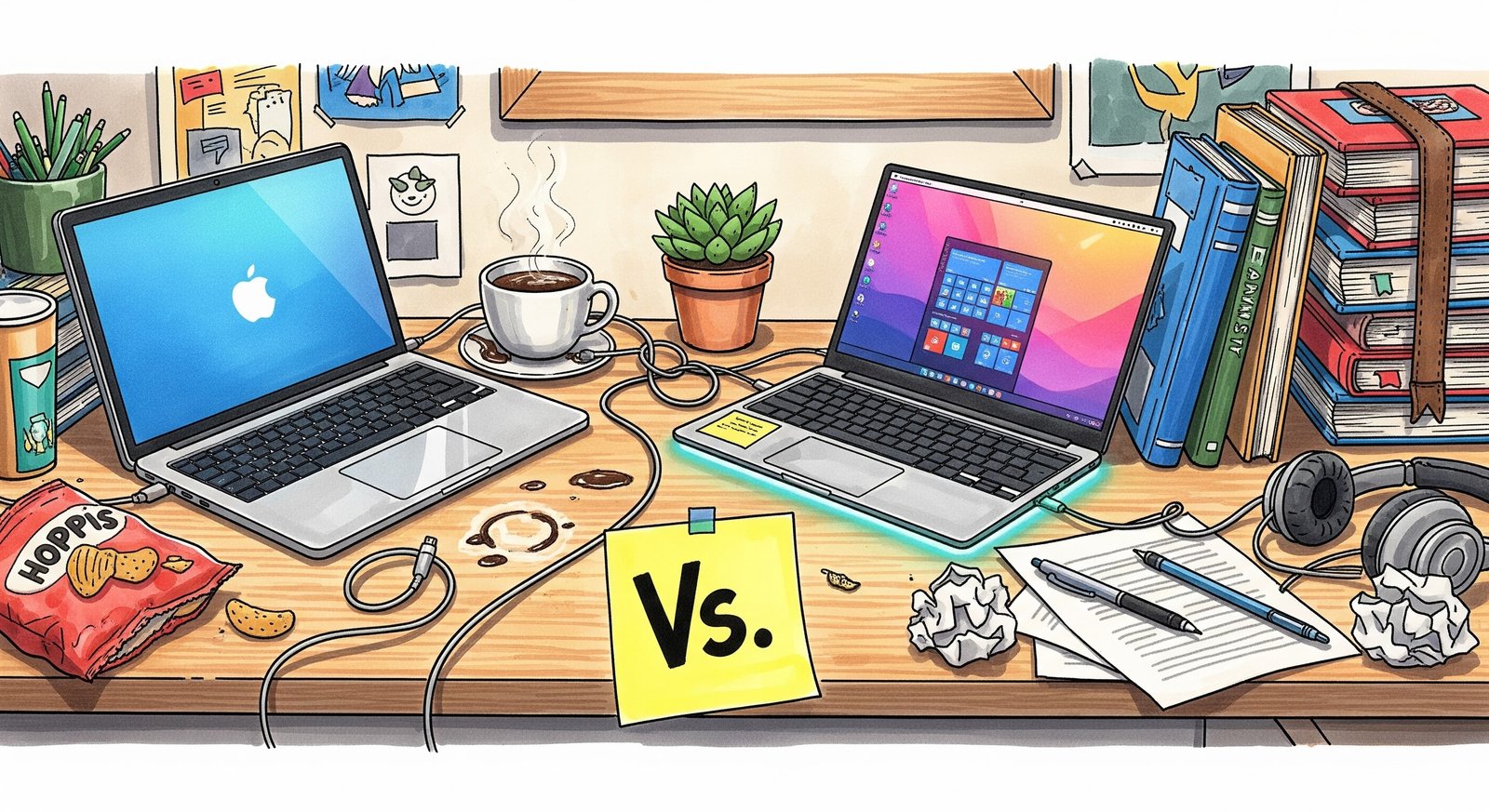
It is late August 2026. The air is getting crisp, the "Back to School" sales are plastering every website you visit, and you are standing in the middle of a Best Buy (or scrolling Amazon at 2 AM), paralyzed by indecision.
You are about to drop somewhere between $1,000 and $2,000 on a slab of metal and glass that will define your next four years. This machine will be your library, your TV, your communication hub, and probably your late-night therapist. The question is as old as the internet itself: Mac or PC?
If you asked me this question five years ago, the answer was boringly simple: "Get a MacBook Air unless you are an engineer." But in 2026? The script has flipped. The lines are blurred. Microsoft has finally cleaned up its act, and Apple is... well, Apple is still being stubborn.
Choosing a laptop today isn't just about specs; it is about identity. It is about avoiding that sinking feeling when you walk into a lecture hall, open your laptop, and realize you are the only one who can’t run the software the professor just assigned.
Let’s cut through the fanboy noise and figure out which machine actually deserves your tuition money.
The "Battery Life" Myth is Dead
Remember when Windows laptops would die if you even looked at them the wrong way? You would bring your charger to class, hunting for an outlet like a desperate animal.
That era is over. In 2026, the biggest shift in computing is that Windows finally embraced "ARM" chips—the same architecture that makes the MacBook battery last forever. With the latest Snapdragon and Intel "Lunar Lake" chips, a thin Windows laptop now easily lasts 14 to 16 hours.
So, if your main reason for wanting a Mac was "I don't want to carry a charger," stop. Both sides have solved this problem. You can now leave your power brick in the dorm room regardless of which team you pick. That playing field is level.
The "Major" Factor: What Are You Studying?
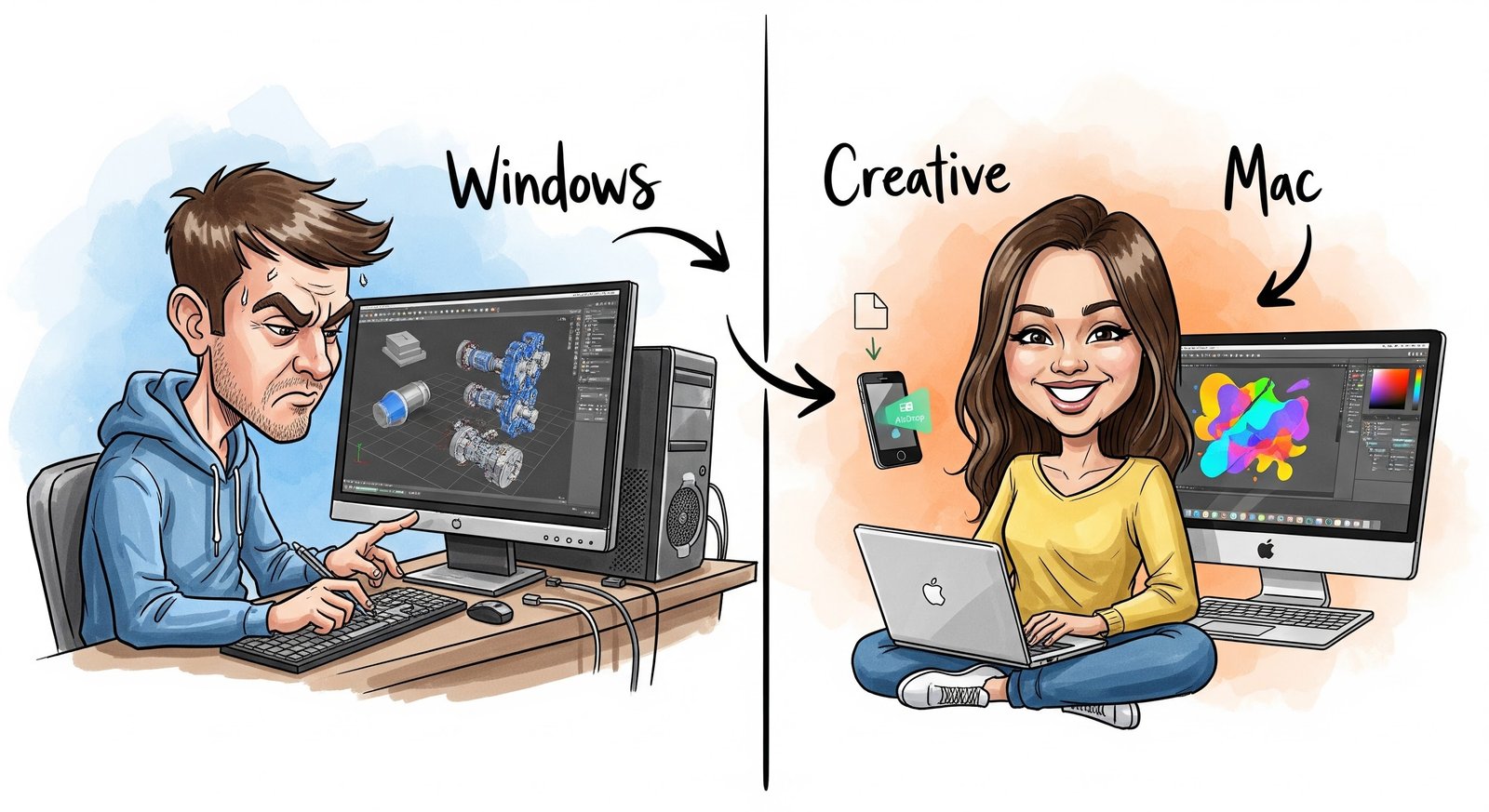
This is where the romance dies and practical reality hits you in the face. You might love the look of a MacBook Pro. You might love how it syncs with your iPhone. But if you are an Engineering student, that beautiful machine might become a $2,000 paperweight.
For the Engineers and STEM Majors:
I’m going to be blunt. If you are studying Mechanical Engineering, Civil Engineering, or serious Robotics, buy a Windows PC.
Why? Because the software that runs the world (SolidWorks, ANSYS, Revit) still hates macOS. Sure, in 2026, there are workarounds. You can use "Parallels" to run Windows inside your Mac. But do you really want to pay for a subscription to run a slow, buggy version of the software you need to pass your finals? No. You don't.
Also, many engineering departments use proprietary tools that were coded in 1998 and only run on Windows. Dont fight the current. Just get a powerful Dell XPS, HP Spectre, or a Surface Laptop. You will thank me during finals week when your project renders correctly and your roommate with the Mac is crying in the IT lab.
For the Creatives and Humanities:
If you are in Graphic Design, Film, Journalism, Psychology, or English Lit—the Mac is still the king.
There is a specific "flow" to macOS that creative minds love. The trackpad is still undefeated (seriously, why can't Windows manufacturers figure out a trackpad that doesn't feel like wet plastic?). The screen color accuracy on a MacBook is perfect out of the box. Plus, AirDrop. Being able to shoot a video on your iPhone and zap it to your laptop in two seconds to edit is a workflow that keeps you in the zone.
For Computer Science (CS):
This is the tricky one. It used to be Mac territory because macOS is built on UNIX (great for coding). But with the "Windows Subsystem for Linux" (WSL) being so good in 2026, you can code just fine on a PC.
However, if you ever plan to build an iPhone app, you must have a Mac. You literally cannot compile iOS code without one. So, if mobile app development is in your future, Tim Cook has you cornered.
The Gaming Distraction
Let’s be honest. You are going to college to study, but you are also going to college to procrastinate. And nothing kills time like gaming.
Apple has been trying so hard to make "Mac Gaming" a thing. They pay developers millions to port games. They have that "Game Mode" in macOS. And sure, you can play Cyberpunk or Baldur’s Gate on a MacBook Pro now. It works.
But it is not the same.
If you are a gamer—if you want to play the weird indie games on Steam, the early access titles, or the competitive shooters with your friends back home—you need a PC.
Windows is the home of gaming. Period. You get access to everything. You can upgrade your drivers. You can tweak settings. A high-end Windows laptop can double as a console in your dorm room. A MacBook is a productivity machine that can game if you force it to. A Windows laptop is a machine that invites you to game.
Know yourself. If having Counter-Strike or Valorant installed on your laptop is going to destroy your GPA, maybe buy the Mac as a safety mechanism. Sometimes, less capability is a feature, not a bug.
The Ecosystem Trap: The Blue Bubble Pressure
We have to talk about the social pressure. In US colleges, the "Blue Bubble" effect is real. You sit in a group project meeting. Everyone pulls out an iPhone. Everyone pulls out a MacBook. They start AirDropping files to each other.
If you have a Windows laptop and an Android phone, you are the "Green Bubble" person. You have to ask them to email the file. It breaks the flow. It’s annoying.
But here is where things get interesting in 2026. If you have an iPhone but buy a Windows PC, it’s not as bad as it used to be. Microsoft’s "Phone Link" app now lets you send and receive iMessages directly from your Windows desktop. It’s a bit clunky compared to the native Mac experience, but it works. You aren't totally isolated anymore.
However, if you own an iPad, just buy the Mac. The "Sidecar" feature, where you can use your iPad as a second wireless screen for your MacBook in the library? That is a productivity superpower. Windows has tried to copy it, but it’s just not as smooth.
Resale Value: The Student Loan Buffer
College students are usually broke. This is why you need to think about the day you sell this laptop, not just the day you buy it.
MacBooks defy the laws of physics when it comes to value. You can buy a MacBook Air for $1,100 today, beat it up for four years, and probably sell it on eBay for $500 or $600 when you graduate. It’s money in the bank.
Windows laptops? Not so much. A $1,500 Windows laptop today will be worth about $300 in four years. The hardware depreciates faster, the hinges get loose, and the trackpad gets shiny. If you view your laptop as an investment that you want to cash out later to help pay off loans, the Apple tax pays for itself on the back end.
The "Repairability" Question
Here is a point most guides skip. What happens when you spill a Red Bull on your keyboard during an all-nighter?
If you have a Mac, you are going to the Apple Store. It will be expensive, but it will be fixed fast. AppleCare+ is the best insurance in the tech world. In a college town, their is always an Apple Store nearby. (Whoops, meant "there," but you get what I mean).
If you have a Dell or a Lenovo, you might have to mail it away for two weeks. However, some Windows laptops (like the Framework Laptop or heavy-duty ThinkPads) are user-repairable. You can literally buy a new keyboard for $40 and screw it in yourself. If you are the type of person who likes to fix things, the closed-off nature of the Mac will drive you crazy.
Conclusion: The Verdict
So, what should you buy in 2026?
Buy the MacBook Air (M4/M5) if:
You are a Humanities, Arts, or Business major.
You already live in the Apple ecosystem (iPhone/iPad).
You want a machine that will hold its value until graduation.
You want the best build quality and trackpad in the industry.
Buy a Windows PC (Surface/Dell/ASUS) if:
You are an Engineer or heavy STEM student (Check your software requirements!).
You want to play games without jumping through hoops.
You prefer touchscreens (Macs still don't have them!).
You want more ports and don't want to carry a bag full of dongles.
At the end of the day, the best laptop is the one that disappears. It shouldn't be a source of frustration. It should just be the window through which you learn, create, and occasionally watch Netflix until 4 AM. Choose the tool that fits the job, not the one that looks coolest in the coffee shop.

No Comment Yet.
Stay informed with breaking news, trending stories, and in-depth analysis.