It is the sinking feeling that every modern person dreads. You reach into your pocket or purse, and your hand meets nothing but air. Panic sets in. You pat your other pockets, check the table you just left, and retrace your steps. Then, the realization hits you: it is gone. In 2026, losing a smartphone is not just about losing an expensive piece of glass and metal. It is about losing the keys to your entire digital life. Your banking apps, your memories, your passwords, your car keys, and your identity are all stored inside that device.
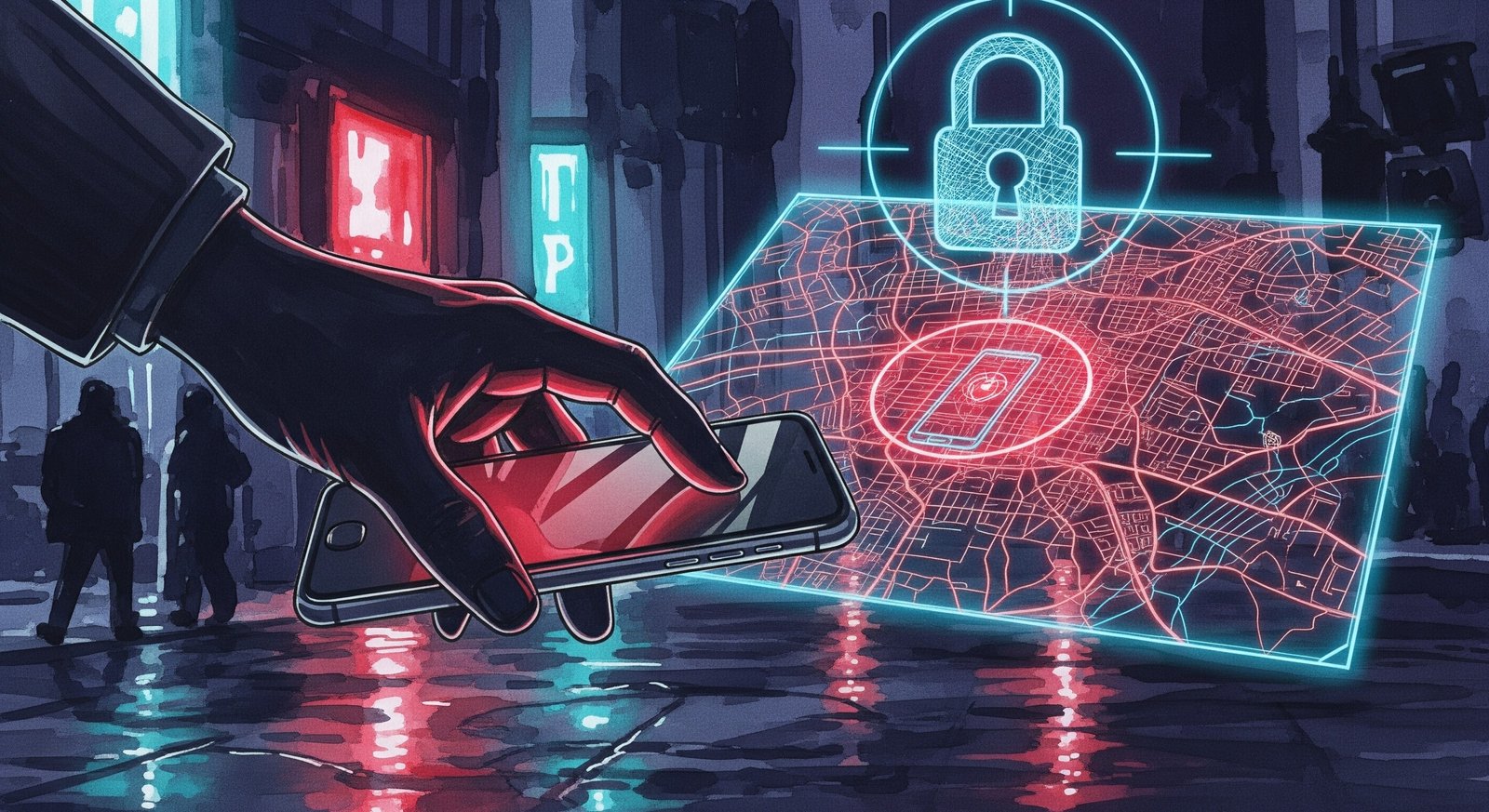
Phone theft has evolved significantly over the last few years. In major US cities like New York, San Francisco, and Chicago, "apple picking" or phone snatching remains a common crime. However, the thieves of 2026 are not just looking to sell the hardware for parts. They are often part of sophisticated organized crime rings that aim to unlock the device to access your financial accounts.
If you are reading this because your phone has just been stolen, take a deep breath. Time is of the essence, but panic causes mistakes. The actions you take in the first hour—the "Golden Hour"—will determine whether you lose just a phone or your entire savings account. Here is the definitive guide to securing your digital life in the US landscape of 2026.
Step 1: The Immediate Lockdown (Do Not Wait)
The moment you confirm the phone is stolen, do not waste time trying to call it. The thief has likely already turned it off or put it in a Faraday bag (a pouch that blocks signals). Your priority is to sever the link between the device and your data.
Find a friend's phone or use a public computer to access your tracking service.
For iPhone Users:
Go to iCloud.com/find immediately. In 2026, Apple's "Find My" network is incredibly powerful. Even if the thief has turned the phone off or the battery has died, the iPhone 15 and newer models act as "AirTags." They broadcast a low-energy Bluetooth beacon that other passing iPhones pick up. You will likely still see a location update.
Mark the device as "Lost." This locks the screen and suspends Apple Pay.
Crucially, if you had "Stolen Device Protection" enabled (a feature standard since iOS 17.3), the thief cannot change your Apple ID password or turn off Find My without your biometric FaceID. This is your biggest safety net.
For Android Users:
Go to android.com/find. Google's "Find My Device" network has matured by 2026 to rival Apple's. Thanks to the network of billions of Android devices, your stolen Pixel or Galaxy can be tracked offline.
Select "Secure Device." This locks the phone and signs you out of your Google account on that device, preventing the thief from accessing your Gmail or Photos.
Step 2: Contact Your Carrier to Blacklist the IMEI
Once you have secured the software side, you need to kill the hardware utility. In the United States, carriers share a database of stolen phones called the GSMA Device Registry.
Call your carrier immediately (Verizon: *611, AT&T: 611, T-Mobile: 611). Tell them your device has been stolen and you want to "Blacklist the IMEI."
The IMEI is the unique serial number of your phone. When a carrier blacklists it, that phone can never connect to a cellular network in North America again. It essentially becomes a glorified iPod Touch. It cannot make calls, send texts, or use data. This ruins the resale value for the thief.
In 2026, with the absence of physical SIM trays in most flagship phones, thieves cannot simply pop out your SIM card to stop the tracking. However, they will try to "port" your number to a new device to intercept your Two-Factor Authentication (2FA) codes. When you speak to your carrier, explicitly tell them to "Place a freeze on my account" or set up a "SIM Swap PIN." This prevents anyone from moving your phone number to a new phone without a specific code that only you know.
Step 3: The Danger of the "Recovery Scam"
This is the most important section of this article. If you take nothing else away, remember this: The thief will try to hack YOU, not the phone.
Modern phones are incredibly hard to hack. Breaking the encryption on an iPhone or a Samsung Galaxy without the passcode is virtually impossible for common street thieves. They know this. So, they use social engineering.
A few days after your phone is stolen, you might receive a text message on your backup phone or an email that looks official. It will say something like:
"Apple Support: Your stolen iPhone 17 Pro has been located. Click here to view the location."
Or
"Find My: Your device has come online. Login to verify ownership."
DO NOT CLICK THE LINK.
These are phishing scams run by the theft rings. The link goes to a fake website that looks exactly like the iCloud or Google login page. If you type in your username and password, you are handing the thieves the keys to unlock your stolen phone. Once they have your password, they remove the device from your account, reset it, and sell it as a "clean" unit for full price.
Real tracking services will never ask you to click a link to "view a location." You should always type the URL (icloud.com or android.com) directly into your browser yourself.
Step 4: Protect Your Finances
If your phone was snatched while it was unlocked (for example, while you were looking at a map), the thief might have a window of opportunity before the screen locks.
Call your bank and credit card companies. Tell them your digital wallet (Apple Pay/Google Pay) is compromised. They will cancel the virtual tokens associated with that device.
Force a logout of all sessions. Go to your social media accounts, email, and banking apps on a computer. Use the "Sign out of all other sessions" feature.
Change your passwords. Start with your email password. If a thief has access to your email, they can reset the password for every other account you own.
Step 5: The Police Report
In major US cities, filing a police report for a stolen phone can feel like a bureaucratic black hole. Police resources are stretched, and they rarely deploy officers to recover a single smartphone, even if you can see the dot on the map.
However, you still need to file a report. Why? Insurance.
If you have AppleCare+ with Theft and Loss, Samsung Care+, or carrier insurance (like Asurion), they will require a police report number to process your claim. You can usually file this online through the police department's website. It is a "generated report" that serves as an official record.
Do not go to the location on the map yourself. In 2026, "vigilante recovery" has led to dangerous and sometimes fatal confrontations. The dot on the map might be an apartment complex with 50 units, or it might be a trap. It is not worth your life. Hand the location data to the police, but manage your expectations—they likely won't knock on doors.
Step 6: Filing the Insurance Claim
If you were paying for insurance, now is the time to use it.
AppleCare+ Theft and Loss: You will pay a deductible (usually around $149). The replacement phone is often shipped overnight. Crucially, the "Find My" feature MUST be enabled on the stolen phone at the time of the claim. If you remove the device from your account before the claim is approved, they will deny it.
Carrier Insurance (Asurion): The deductible might be higher (up to $299 for pro models). They might send you a refurbished unit rather than a brand new one.
Step 7: Preparing for the Future
Once the dust settles and you have your new device, set it up with "Theft Mode" in mind.
Enable Stolen Device Protection (iOS) or Trusted Places (Android). This ensures that critical security changes require a biometric scan (Face/Fingerprint) and a one-hour delay if you are away from home.
Use an Alphanumeric Passcode. A 4-digit or 6-digit PIN is easy to spy on. Use a password that includes letters. It is much harder for a thief to memorize over your shoulder.
Set a Screen Time Passcode. On iPhones, you can use "Screen Time" settings to block account changes. Set a secondary passcode for this that is different from your unlock code. This adds another layer of armor preventing a thief from signing you out of iCloud.
Disable Control Center on Lock Screen. Thieves often swipe down on the lock screen to put the phone in "Airplane Mode" immediately. You can disable this access in settings, forcing them to keep the phone connected to the network longer, giving you more time to track it.
Having your phone stolen is a violation. It feels personal. In 2026, the loss of data is often more painful than the loss of the device. By acting fast—locking the device, blacklisting the IMEI, and ignoring the phishing texts—you deny the thieves their payday. You turn a profitable crime into a possession of a useless brick.
While you may never get the original hardware back, following these steps ensures that your identity, your money, and your peace of mind remain yours. Stay vigilant, keep your backups current, and remember that hardware is replaceable—you are not.

No Comment Yet.
Stay informed with breaking news, trending stories, and in-depth analysis.