
Let’s play a quick game. I am going to try and guess your password. Is it your dog’s name followed by your birth year? Is it "P@ssword!"? Or maybe you are one of those "smart" people who uses the same password for everything but adds a "1" at the end for Facebook and a "2" for Gmail.
If I guessed right, or even got close, we need to talk. We aren't just worried about a teenager in a hoodie guessing your login anymore. We are fighting Artificial Intelligence. AI models today can churn through billions of password combinations in seconds. They know your pet's name from Instagram. They know your high school from LinkedIn. If your password relies on your memory, it is already compromised.
The single most important app on your phone isn't TikTok or Instagram. It is a Password Manager. If you are still resisting this change, let me explain why you need to fire your brain from the job of remembering logins.
The "Browser" Trap: Why Chrome Isn't Enough
"But wait," I hear you say. "My browser saves my passwords for free. Why should I pay for an app?"
It is a fair question. Browser-based managers have gotten better. But they have a fatal flaw: The Ecosystem Trap.
If you save everything in Chrome, you are chained to Google. Try logging into an app on your iPad or a friend's computer, and you are stuck. Dedicated password managers are agnostic. They work on Windows, Mac, Android, iOS, Linux—heck, even on a smartwatch.
More importantly, browser managers are often the first thing malware targets. If you accidentally download a virus on your laptop, "Info Stealers" can scrape your browser's saved data in milliseconds. Dedicated managers lock your data behind a "Secret Key" that never leaves your device. Even if hackers breach the server, they can't read your data without that key on your phone.
Bitwarden vs. 1Password: The Heavyweights
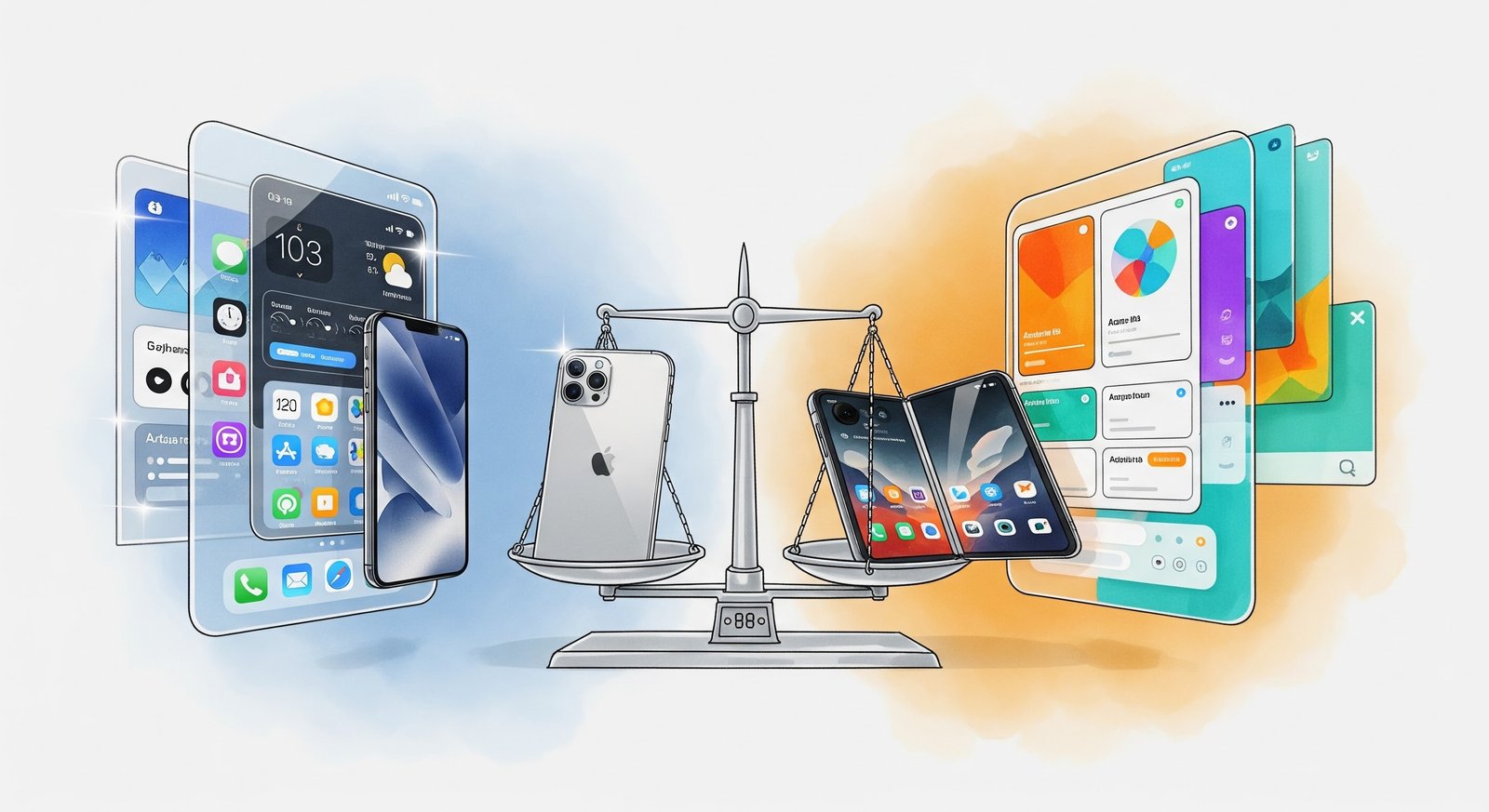
So, which one should you choose? The market has largely consolidated around two giants that offer the best balance of security and usability.
1Password: This is the premium experience. It looks beautiful. It feels like an Apple product. It alerts you if a website you use has been hacked (Watchtower feature). It’s perfect for families because it allows you to share specific vaults. Need to give the babysitter the Wi-Fi code and the Netflix login but not your bank details? 1Password makes that easy. It costs a few dollars a month, but frankly, it is cheaper than the cost of recovering your stolen identity.
Bitwarden: This is the champion of the people. It is open-source, which means security experts can inspect the code to make sure there are no backdoors. It has a fantastic free tier that does almost everything a normal person needs. It might not look as polished as 1Password, but it is rock solid. If you are on a budget, this is the one to get.
The Magic of "Zero Knowledge"
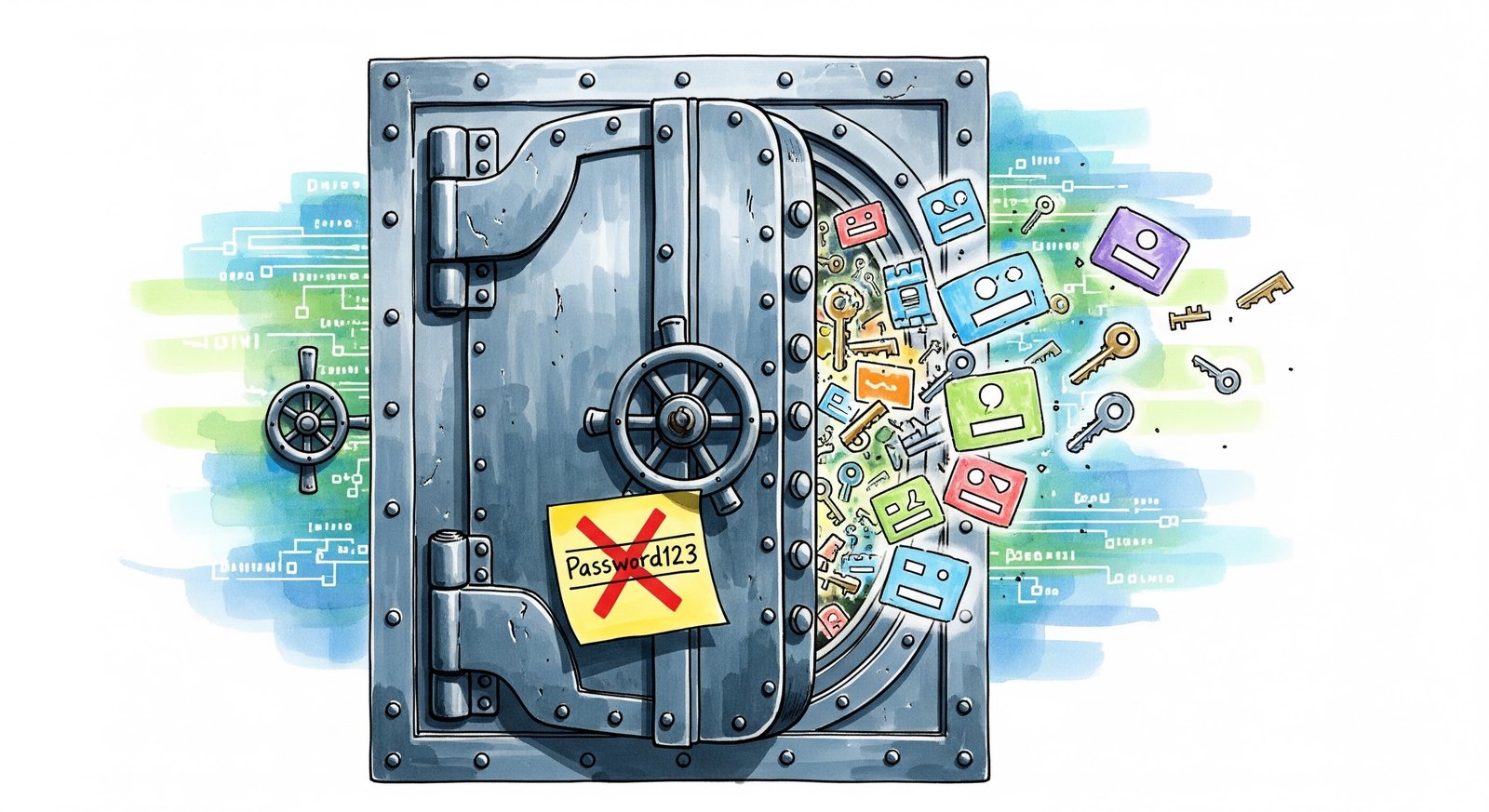
The term you need to know is "Zero Knowledge Encryption."
This means that the password manager company literally cannot see your passwords. If the government knocked on thier door and demanded your data, they would hand over a pile of scrambled gibberish. They don't have the key. Only you do. This is a massive difference from saving passwords in a Notes app or a Google Doc, which are not encrypted the same way.
The "Post-Password" World: Storing Passkeys
We are currently in a messy transition period. We were promised a "passwordless future" with Passkeys (using your face or fingerprint to login). And while Passkeys are great, not every website supports them yet.
A good password manager acts as a bridge. It stores your old-school passwords AND your new-school Passkeys side-by-side. It handles the chaos so you don't have to.
Family Safety: The "Digital Will"
Here is a grim but necessary thought: What happens to your digital life if something happens to you tomorrow?
If your passwords are all in your head, your family is locked out of everything. Your bank accounts, your photos, your emails.
Password managers have a feature called "Emergency Access" (or Digital Legacy). You can designate a trusted contact (like your spouse). If they request access, and you dont deny it within a set time (say, 48 hours), they get access to your vault. It saves grieving families from a bureaucratic nightmare.
The Learning Curve (It’s Worth It)
I wont lie to you. The first week of using a password manager is annoying. You have to go to every site, generate a new random password like Xy7#b9!mZq2, and save it. It feels tedious.
But after that week? It is pure dopamine.
You arrive at a login page. You touch your fingerprint to the scanner. The fields fill in magically. You hit enter. No typing. No "Forgot Password?" emails. No stress.
In an era where data breaches are a daily news headline, relying on "Password123" isn't just lazy; it is dangerous. Do yourself a favor. Download a manager today. Future You will definately thank you.


No Comment Yet.
Stay informed with breaking news, trending stories, and in-depth analysis.