There are two types of people in this world: those who have lost data, and those who are about to.
If you are a photographer, a video editor, or just someone who hoards digital memories, you know the specific kind of cold sweat that breaks out when you plug in a drive and... nothing happens. No light. No spinning sound. Just a dead silence where your last three years of work used to be.
Storage is the unsexy plumbing of the creative world. Nobody gets excited about buying a hard drive. We want to buy the new camera, the faster laptop, or the better lens. But here is the harsh reality: your $4,000 camera is useless if the footage it shoots has nowhere to live.
In the modern creative landscape, file sizes are exploding. We are shooting 4K and 8K video. We are taking 50-megapixel raw photos. We are dealing with AI-generated assets that eat up gigabytes of space. The question isn't just "Where do I put it?" but "How fast can I access it?" and "Will it be there tomorrow?"
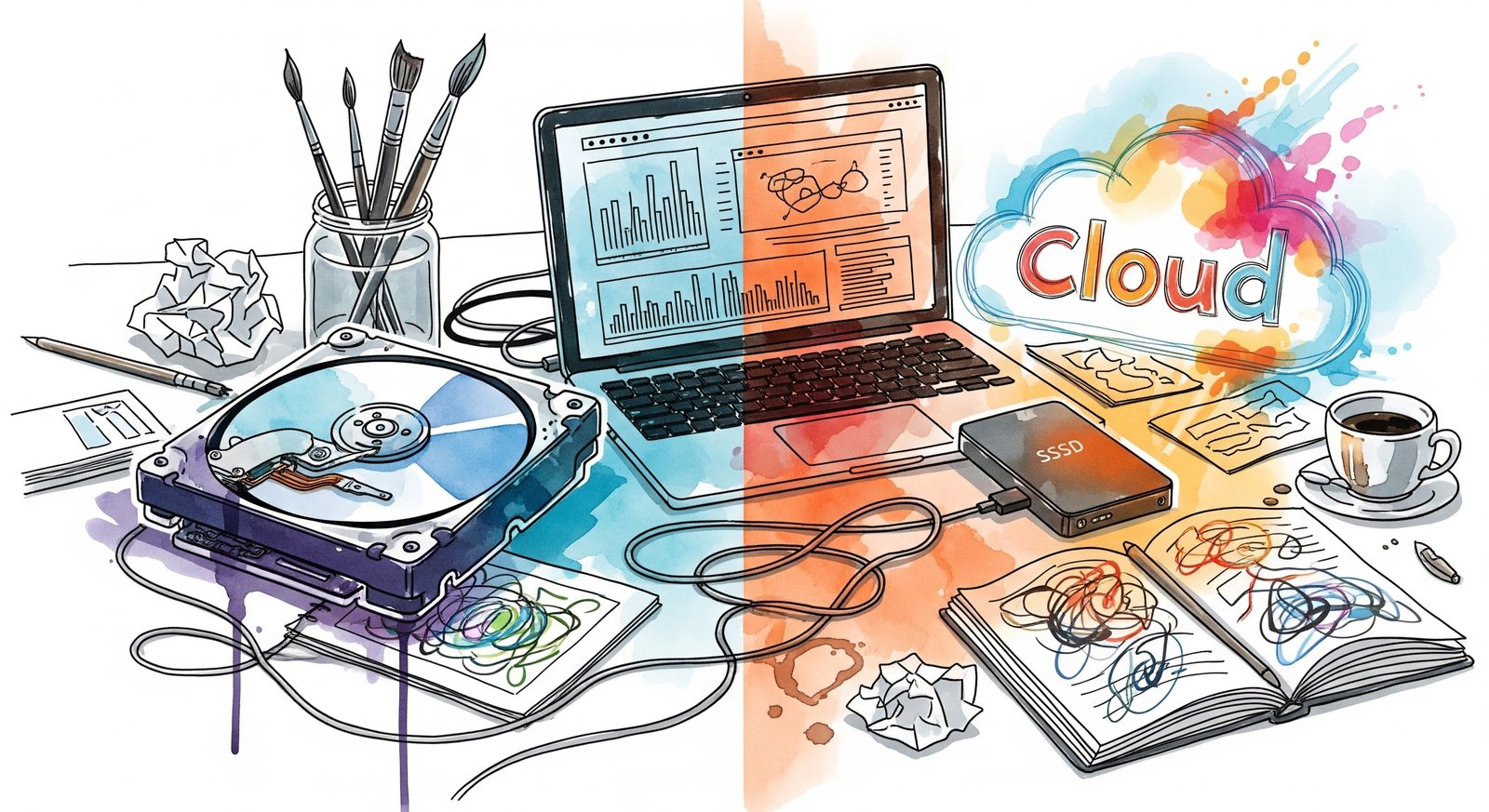
Let’s break down the three pillars of storage—SSD, HDD, and Cloud—and figure out the perfect ecosystem for your workflow.
The Speed Demon: NVMe SSDs
Let’s start with the standard for active work: The Solid State Drive (SSD). Specifically, the NVMe SSD.
If you are still trying to edit video off an old hard drive that makes a clicking sound, stop. You are hurting yourself. Traditional hard drives can read data at about 120MB per second. A modern NVMe SSD? It can read at 1,000MB, 2,000MB, or even 7,000MB per second.
This isn't just about numbers; it is about "flow." When you scrub through a timeline in Premiere Pro or DaVinci Resolve, you want the video to play instantly. You don't want dropped frames. SSDs have no moving parts. It is just flash memory, like a giant, super-fast USB stick.
For creatives, the SSD is your "Hot Storage." This is where you keep the project you are currently working on. Portable SSDs like the Samsung T-series or the SanDisk Extreme have become the industry standard for a reason. They are tiny, rugged, and fast enough to edit directly from.
However, there is a catch: Price.
Flash memory is expensive. A 4TB SSD costs significantly more than a 4TB Hard Drive. If you try to store your entire life's work on SSDs, you will go bankrupt. That is why you need to understand the next tier.
The Old Guard: The Spinning HDD
The Hard Disk Drive (HDD) is ancient tech. It literally uses a magnetic platter spinning at 5,400 or 7,200 rotations per minute with a mechanical arm reading data like a record player. It is loud, it vibrates, and if you drop it while it is running, it is game over.
So, why do we still buy them?
Because they are cheap. Dirt cheap.
You can walk into a Best Buy or order off Amazon and get a huge 14TB or 18TB external desktop drive for the price of a small 2TB SSD. For creatives, the HDD is your "Cold Storage" or "Archive."
Once you finish a project—once the video is exported and the client has paid you—you move the files off your expensive, fast SSD and dump them onto a big, cheap HDD. You put that HDD on a shelf and hope you never need it again.
Think of the HDD as your digital attic. You don't need to go in there every day, so it doesn't matter if it takes a while to find things. You just need it to hold a massive amount of stuff without costing a fortune.
The Safety Net: Cloud Storage
Then there is "The Cloud." Let’s be real about what the cloud is: It is just Other People's Computers.
Services like Dropbox, Google Drive, Backblaze, and iCloud have changed the game for collaboration. If you are working with a team spread across the US, the cloud is the only way to share files efficiently. It is also the ultimate failsafe against house fires, floods, or theft. If your laptop and your hard drives are all stolen, your cloud data is still safe in a server farm in Arizona.
But for creatives, the cloud has a major bottleneck: The Internet.
Even with fast fiber internet, uploading 500GB of raw footage takes time. Downloading it back takes time. You cannot edit a 4K video directly from the cloud without massive lag (unless you are using specialized proxy workflows, which is a whole other topic).
Also, there is the "Subscription Fatigue." You stop owning your storage and start renting it. If you stop paying your $20 a month, your data gets held hostage and eventually deleted. It is a utility bill that never goes away.
The Golden Rule: The 3-2-1 Strategy
So, which one should you choose? The answer is: All of them.
If you care about your work, you need to follow the "3-2-1 Backup Rule." This is the religion of data hoarders and IT professionals. It is the only way to sleep soundly at night.
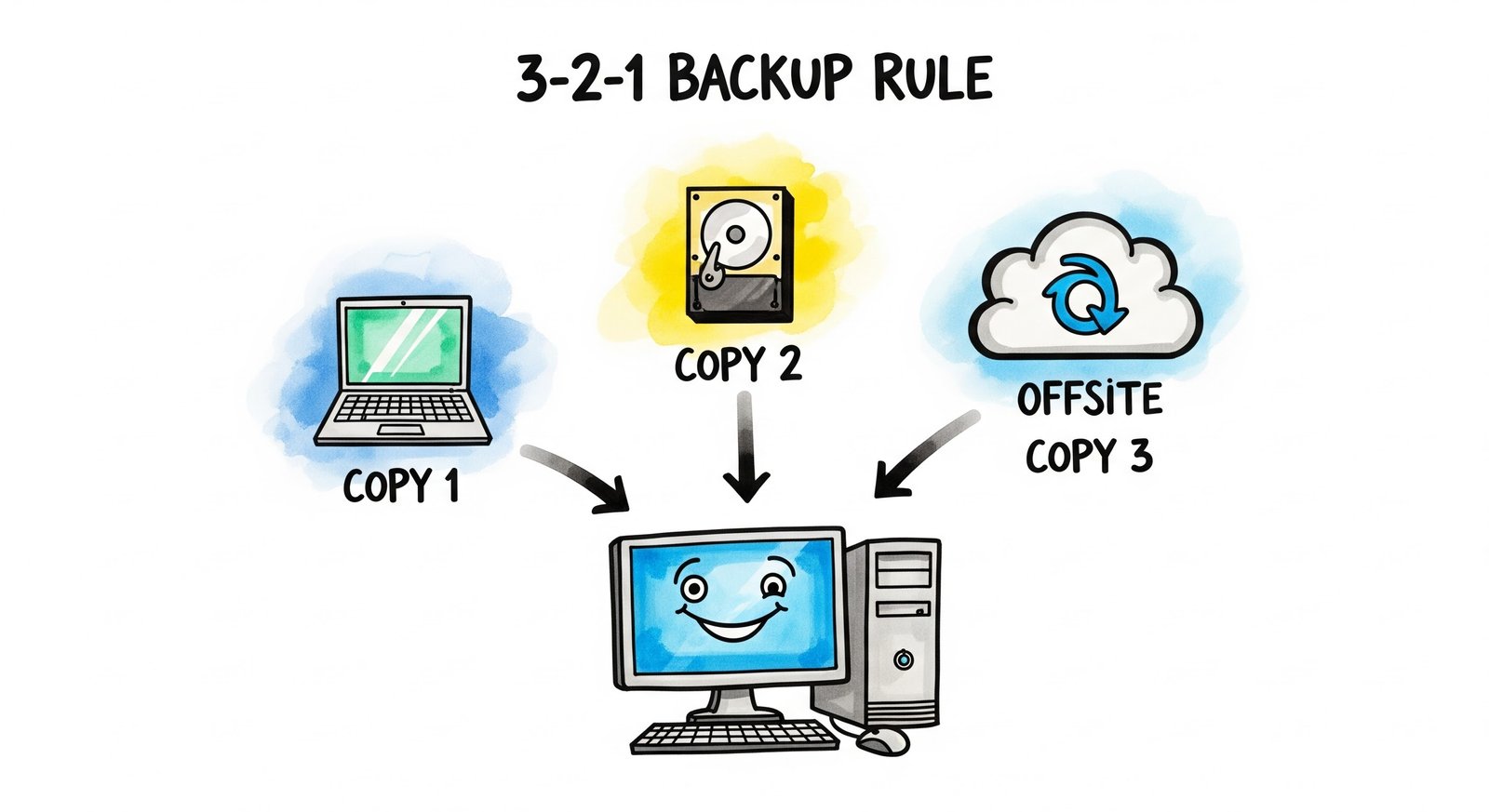
Here is how it works:
3: Keep THREE total copies of your data.
2: On TWO different types of media (e.g., one on your laptop's internal drive, one on an external hard drive).
1: Keep ONE copy offsite (e.g., Cloud or a drive at your mom's house).
Let’s apply this to a real-world scenario.
Imagine you just shot a wedding. Those photos are irreplaceable.
Copy 1 (Active): The photos are on your fast portable SSD. This is what you plug into your laptop to edit. It is fast and snappy.
Copy 2 (Local Backup): As soon as you get home, you copy those photos to a big, cheap HDD sitting on your desk. If your SSD dies or you accidentally delete a file, you have a backup right there.
Copy 3 (Offsite): You set up a background service like Backblaze to slowly upload that HDD to the cloud. Or, if you have really slow internet, you copy the files to a second HDD and leave it at your studio or a friend's house.
The Danger of "Bus Power"
Here is a small technical tip that bites a lot of people.
Many portable drives are "Bus Powered," meaning they draw electricity from your laptop through the USB cable. This is great for convenience. But if you plug three or four of them into a USB hub, your laptop might not be able to provide enough juice.
This can cause drives to randomly disconnect (unmount) while you are writing data to them. This is the fastest way to corrupt a drive. If you use a desktop setup with multiple heavy drives, alway use a powered hub that plugs into the wall. Don't trust your laptop battery to keep your data safe.
A Note on Durability
We tend to think of SSDs as indestructible because they don't have moving parts. While they are tougher than HDDs, they are not immortal. SSDs have a limited lifespan based on how much data you write to them (TBW - Terabytes Written). Eventually, the cells just stop working.
Also, data recovery on a failed SSD is much harder—and much more expensive—than on a failed HDD. When an SSD dies, it usually dies instantly and completely. An HDD might give you warning signs (clicking, slowing down) before it gives up the ghost.
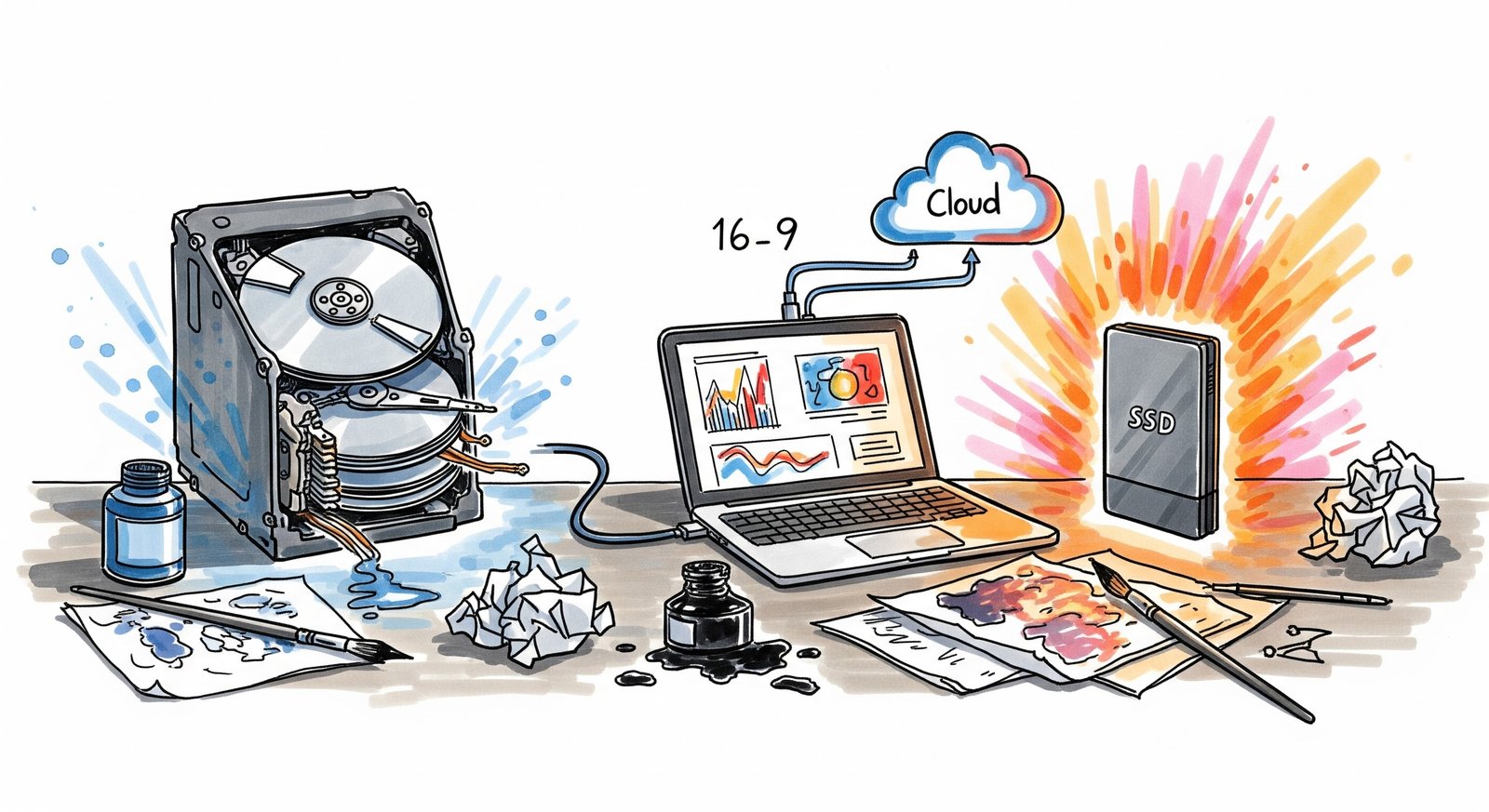
Don't overthink the brand names too much. Samsung, SanDisk, Western Digital, Crucial—they are all pretty comparable these days. Focus on the workflow.
Invest in speed for the work you are doing right now.
Invest in capacity for the work you finished yesterday.
And invest in the cloud for the peace of mind for tomorrow.
Storage isn't exciting. Buying a 10TB hard drive doesn't give you the same dopamine hit as buying a new lens. But the feeling of safety? The feeling of knowing that no matter what happens—a coffee spill, a theft, or a crash—your creative legacy is safe? That is priceless.

No Comment Yet.
Stay informed with breaking news, trending stories, and in-depth analysis.