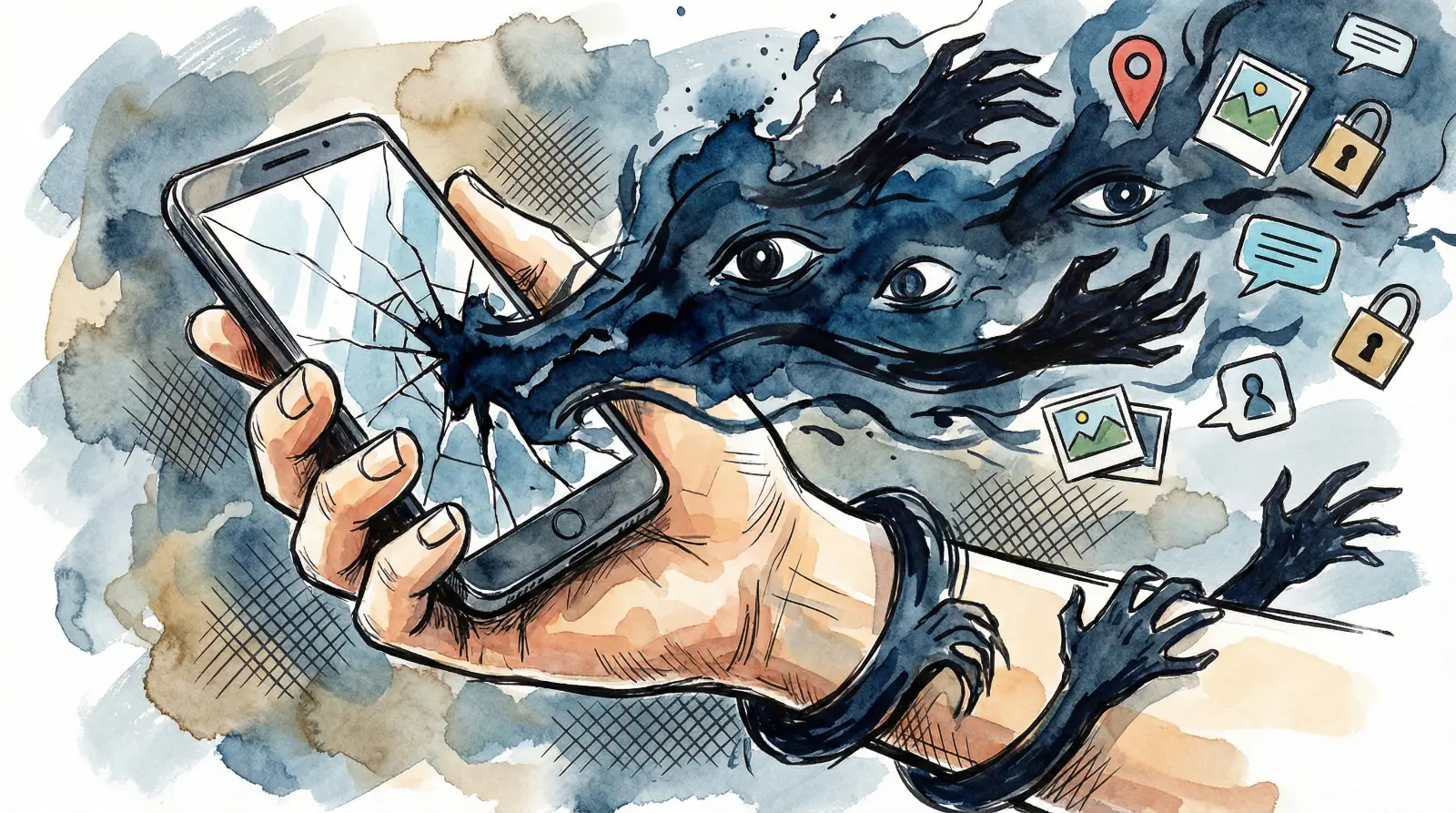
Is your phone listening to you? Is it tracking your every move? The "Free App" economy is actually a massive data robbery. Read this before you download your next app. Secure your family today.
| Praveen Bhat, Sagar
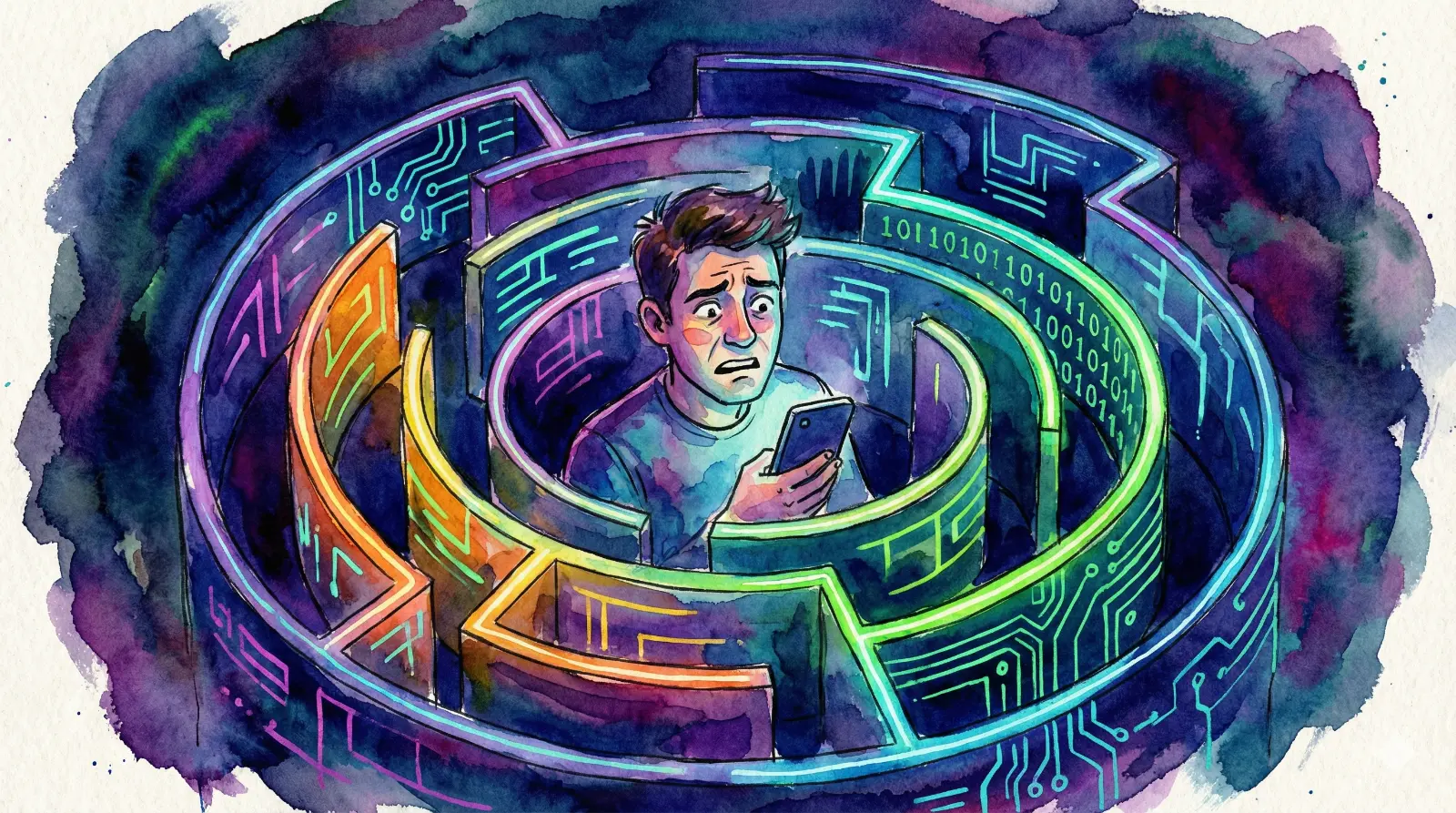
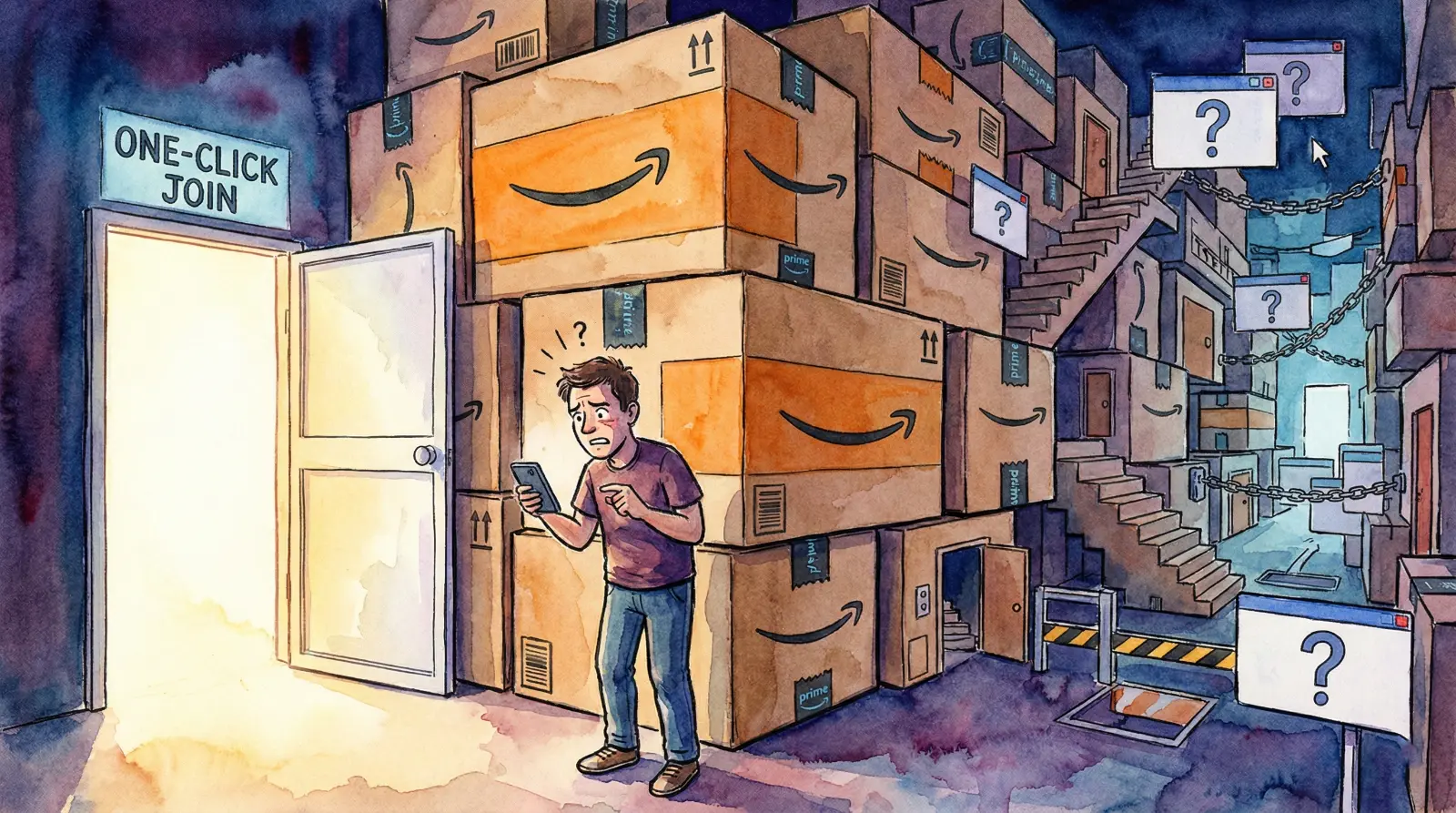
You download a new app. It might be a simple flashlight tool or a casual puzzle game. As soon as it installs, a pop-up appears. The app asks for access to your Contacts, Location, and Media Files. Without a second thought, you hit "Allow." Why? Because you just want the app to open. But it is not that simple. In that single moment when you pressed "Allow," you essentially unlocked the front door of your digital home and invited strangers in. In today’s world, a smartphone is not just a phone; it is your personal diary, your bank vault, and a repository of your most intimate moments. Is it really wise to hand over the keys to such a device to an unknown company?
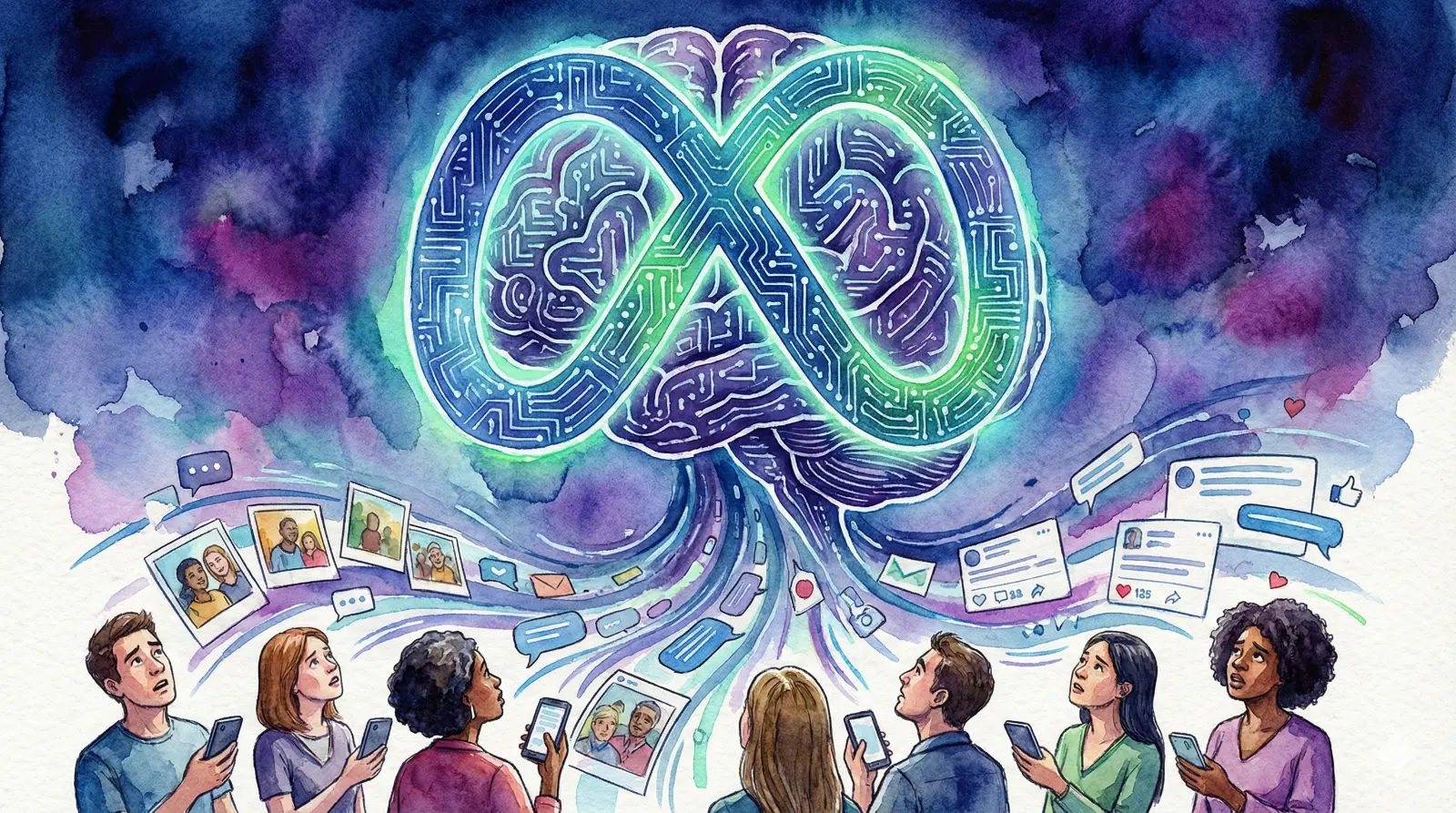
The Dark Truth Behind "Free" Apps: The first rule of business is that nothing in this world is truly free. Millions of apps on the Google Play Store or Apple App Store might be labeled "Free," but they cost millions to develop. These developers are not here to do social service. If you are not paying for the product, then you are the product. Your data is the most valuable currency of this era. Your location history, who you talk to, and what you search for on the internet constitute a goldmine for advertising companies. By using these apps, you are essentially working for them for free, generating data that they sell for profit.
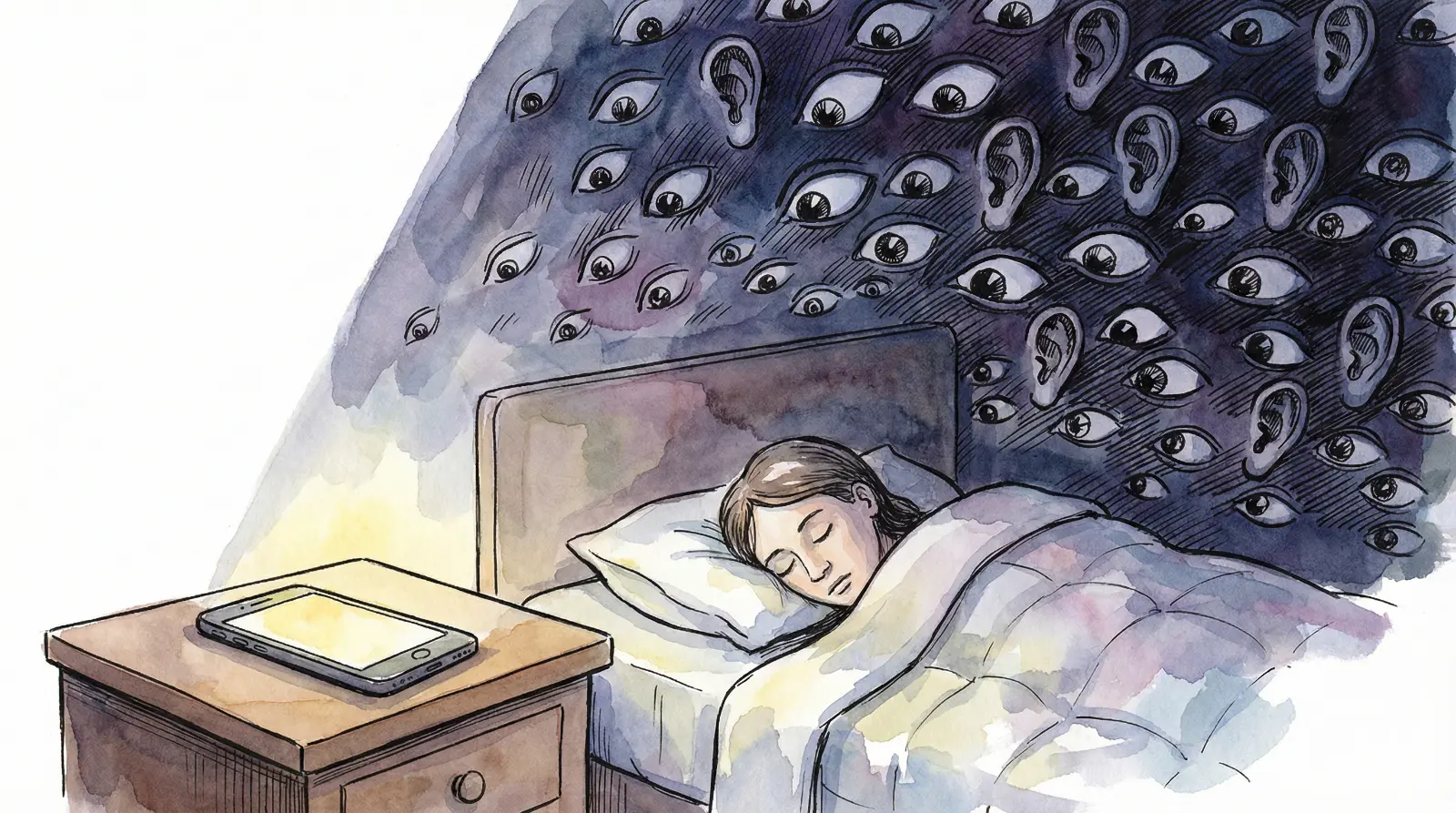
Microphones and Cameras: The Silent Spies: The most alarming permissions are those for the microphone and camera. You may have noticed a "coincidence": you talk to a friend about a specific brand of shoes or a watch, and the very next day, an ad for that exact product appears on your Instagram or Facebook feed. This is not a coincidence. Some apps run in the background, listening to your ambient conversations, hunting for keywords to build a profile of your interests. Even more dangerous is the camera permission; technically, once granted, an app can capture photos or record videos at any time without your explicit consent.
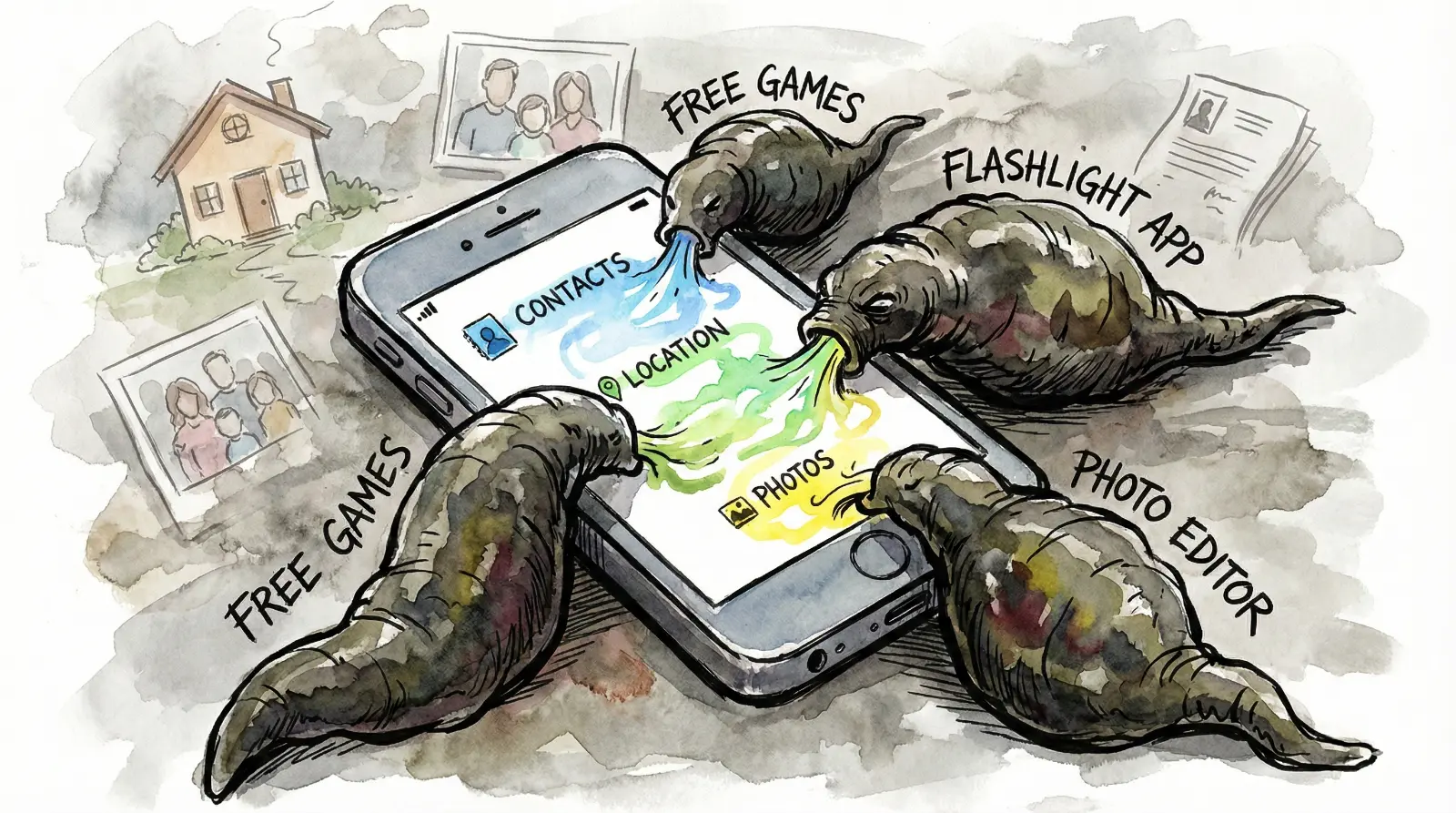
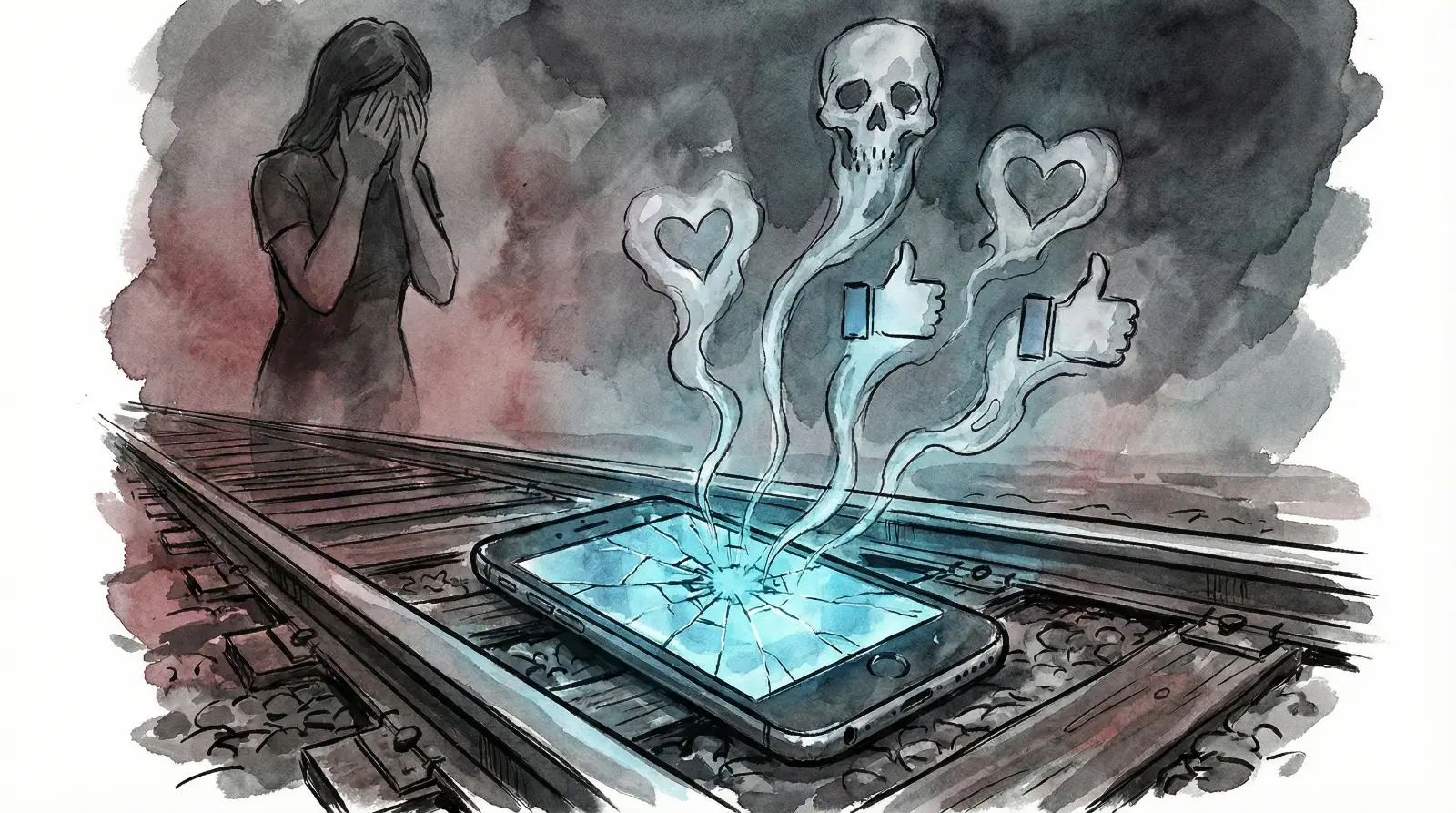
Contact List Theft and the Loan App Menace: The massive instant loan app scams currently rocking India rely entirely on these permissions. Why does a loan app need access to your Gallery and Contact List? If you fail to repay, they use this access to send messages to every person in your contact list, branding you a fraudster. Worse, there are syndicates that steal photos from your gallery, morph them into obscene images, and use them for blackmail. A single thoughtless "Allow" can lead to public shaming. Giving access to your contacts is ethically wrong too—you are effectively selling the phone numbers of your friends and family without their consent.
Location Tracking: The Digital Stalker: The GPS in your phone is not just for finding directions. It tells app companies where you go, how long you stay there, where you live, and where you work. It is acceptable for apps like Zomato or Uber to need location access. But why does a photo editor or a torch app need to know where you are? This data is used to track your daily routine. If you go to a gym, you get protein ads; if you visit a hospital, you get insurance calls. This goes beyond marketing; it is digital stalking.
Gallery and Storage: Your Private Life Exposed: Granting storage permission is like leaving your bedroom wardrobe wide open. Your storage contains bank statements, Aadhaar card photos, and intimate family pictures. Once you grant permission, the app can scan these files and upload them to their servers. Once data leaves your phone, you lose all control over it. Most of the personal data sold on the Dark Web comes from leaks caused by permissions we granted without thinking.
System Apps and Bloatware: The Enemy Within: Many people believe that only apps downloaded from the Play Store are dangerous. However, the real danger often comes pre-installed. Mobile manufacturers often load phones with "Bloatware" or sponsored system apps that cannot be uninstalled. These apps quietly harvest data and may send it to servers in China or other countries. While you often cannot delete them, you have the power to disable them or restrict their background data usage in settings. Cleaning up your new phone’s system apps should be your first priority.
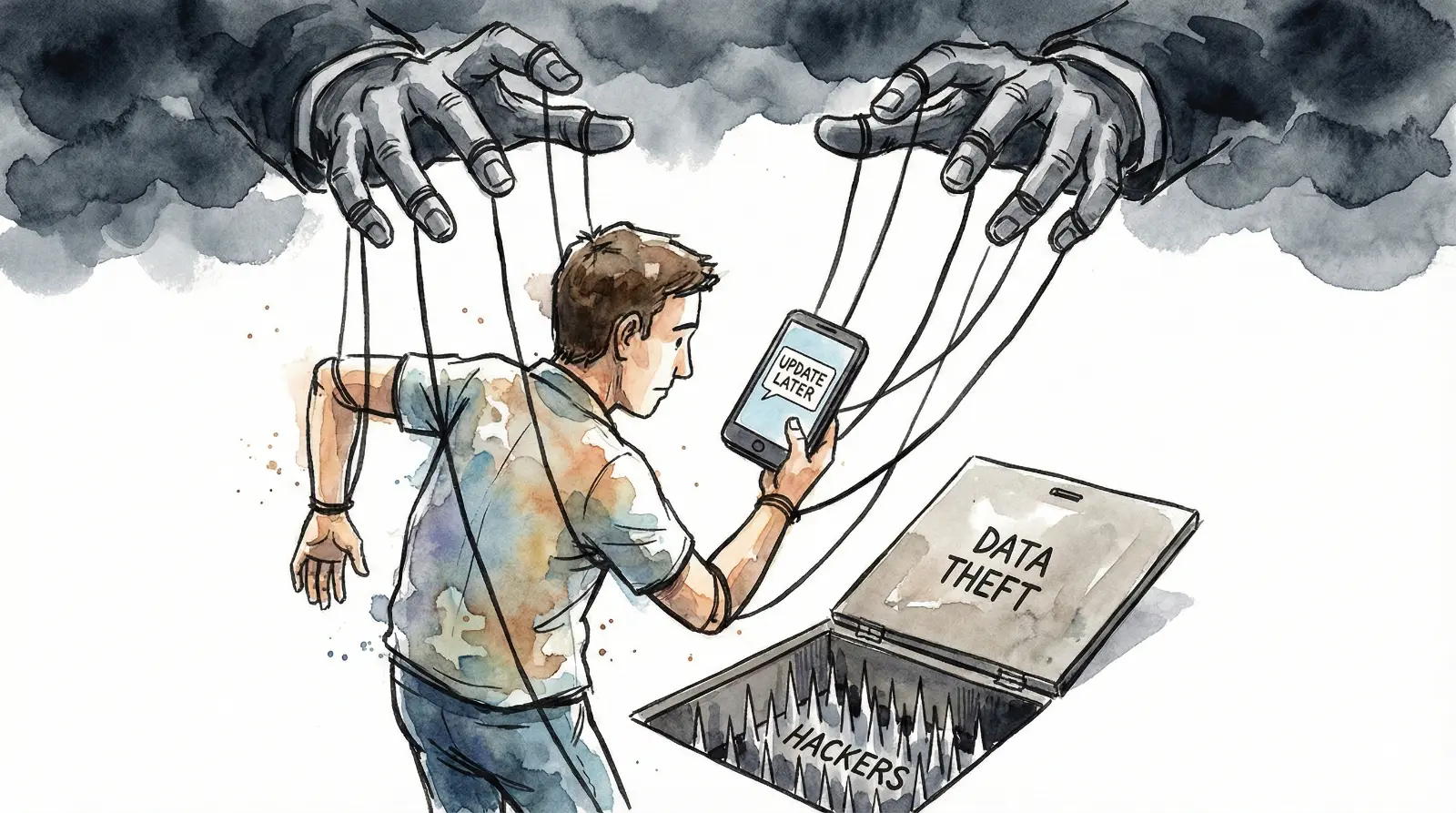
The Unupdated Phone: An Open Door: There is a myth that updating your phone slows it down, leading many to skip software updates for years. This is a massive mistake. Companies do not release updates just for new designs; they release them to patch security holes. Hackers easily exploit vulnerabilities in older software versions. Even if you haven't given permissions, a phone without security patches is like a house without a lock—hackers can bypass your defenses entirely. A slightly slower phone is always better than a hacked phone.
Digital Public Toilets: Public Wi-Fi and Charging: Be extremely wary of free Wi-Fi at railway stations, malls, or airports. Connecting to these networks is like using a dirty public toilet—you expose yourself to infection. Hackers lurk on these open networks to intercept your data. Similarly, beware of "Juice Jacking." When you plug your phone into a public USB charging port at an airport or bus stand, data can be copied from your device through the same cable used for charging. Always use your own power bank or a standard electrical socket.
Keyboards and Launchers: Hidden Keyloggers: Before you install that colorful custom keyboard theme or a fancy launcher, think twice. When you grant permission to a keyboard app, it learns everything you type. This includes your net banking passwords, credit card numbers, OTPs, and private chats. This is essentially a keylogger. Third-party launchers track every app you open and for how long. The safety of your passwords is far more important than the aesthetic look of your phone interface.
Vulnerable Targets: Kids and The Elderly: You might be tech-savvy, but the elderly and children in your home are soft targets for digital thieves. Children will click "Allow" on anything to play a game. The elderly often click "OK" out of fear that they might break the phone if they don't. It is not enough to secure your own phone; you must check the devices of your parents and children at least once a week. They might have unknowingly opened the door to a dangerous app.
Legal Context: You Are On Your Own: In regions like Europe, strict laws like GDPR force companies to pay massive fines for stealing data. In India, data protection laws are still evolving. We cannot blindly trust that the law will protect us instantly. Here, clicking "Allow" is easy, but recovering lost money or reputation is a long, difficult battle. Prevention is the only cure. You must be your own data bodyguard.
Warning: Open your phone settings right now. Go to the Privacy or App Permissions section. Review which apps have access to what. If a calculator is asking for your contacts, deny it immediately. Change location permissions from "Always Allow" to "Only While Using the App." Delete any app you haven't used in the last six months; they are just sitting there, potentially leaking data.
Remember, technology should serve us, not control us. A smartphone might be smart, but we shouldn't be foolish users. Your privacy is your right—do not sign it away with a lazy tap on the "Allow" button. In this digital war, information is power; keep that power with you.
Final Warning: The permission you carelessly grant today could be the witness that testifies against you tomorrow. If you click wrong, your life could end up on the streets.


No Comment Yet.
Stay informed with breaking news, trending stories, and in-depth analysis.